

In today's world, clear communication is key, and AI tools are changing how we connect and share ideas. By 2025, about 70% of businesses are expected to use AI to boost their communication. These tools aren't just a passing trend; they’ve become essential. Whether you're writing an email, taking notes in meetings, or creating engaging content, AI tools are here to help. In this article, we’ll look at some top AI platforms like Deepbrain AI: AI Studios, Grammarly, and Otter.ai, which are making a big impact on communication. If you’re ready to update how you communicate and stay ahead, let’s get started!
Deepbrain AI: AI Studios
🎥 AI-Powered Video Creation
DeepBrain AI Studios revolutionizes video creation by transforming text scripts into high-quality videos featuring lifelike AI avatars. Forget about cameras and actors—the platform employs advanced text-to-speech technology, supporting over 80 languages with natural speech, realistic facial expressions, and synchronized lip movements.
Choose from over 100 AI avatars or create custom ones tailored to your brand, making it ideal for e-commerce, marketing, training, and customer service. AI Studios can convert blogs, PDFs, URLs, or scripts into professional videos with voiceovers, requiring no video editing skills.
Key Features:
- AI-Generated Content: Text, images, and videos
- Customizable Avatars: Align with your brand's identity
- Video Editing Tools: Templates, background music, and subtitles
- Voice Cloning: Maintain consistent narration across projects
- ChatGPT Integration: Streamlines and enhances script generation

🖥️ User-Friendly Online Video Editor
AI Studios is incredibly user-friendly, featuring an online video editor accessible to beginners. Simply type your text into a script box, and the AI generates an engaging video with a natural voiceover. The platform provides templates, backgrounds, royalty-free music, text animations, and automatic subtitles for easy customization and professional results.
Collaboration and Support:
- Real-Time Collaboration: Teams can work together seamlessly
- Multilingual Content: Quickly create content in various languages
- User-Friendly Design: Extensive support documentation aids feature utilization
💰 Budget-Friendly AI Video Solutions
DeepBrain AI Studios is budget-friendly, eliminating the need for expensive production setups, actors, and studio rentals by utilizing AI avatars and voiceovers. Automated tools allow for the creation of high-quality videos in minutes, conserving both time and resources.
Pricing Plans:
- Starter Plan: $30/month for 10 minutes of video creation
- Pro Plan: $79/month for up to 90 minutes and access to advanced features
📞 Comprehensive Customer Support
DeepBrain AI provides robust customer support to help users maximize AI Studios. Real-time collaborative workspaces enhance team communication and project synchronization, reducing delays and support inquiries—especially beneficial for corporate training teams managing video projects efficiently.
Support Channels:
- Email, Live Chat, and Phone: Knowledgeable team ready to assist
- Customer Success Team: Offers personalized guidance and strategic advice
By maintaining strong customer support, DeepBrain AI ensures users can rely on AI Studios to enhance their communication strategies and achieve business goals.
For further details, explore these resources:
Grammarly: An AI-Powered Tool for Communication
Grammarly's Advanced Functionality
Grammarly acts as a reliable companion for your writing endeavors. This AI-powered assistant aids with grammar, spelling, punctuation, and style, leveraging advanced Natural Language Processing (NLP) to understand the context of your writing. Whether you're aiming for a formal or casual tone, Grammarly provides suggestions to tailor your content for different audiences and styles.
Key Features of Grammarly:
- Tone Detection: Adjust your writing to match the desired tone.
- Vocabulary Enhancement: Receive tips to enrich your word choice.
- Readability Improvements: Make your text clearer and more engaging.
- Rewriting Suggestions: Get alternatives for better phrasing.
The platform's new interface includes an AI assistant capable of summarizing text, answering questions, and offering writing tips, enhancing user-friendliness. Additionally, Grammarly has introduced eight specialized AI agents to tackle specific writing challenges like plagiarism detection and citation management, offering real-time feedback to refine your writing.
Seamless Integration and Ease of Use
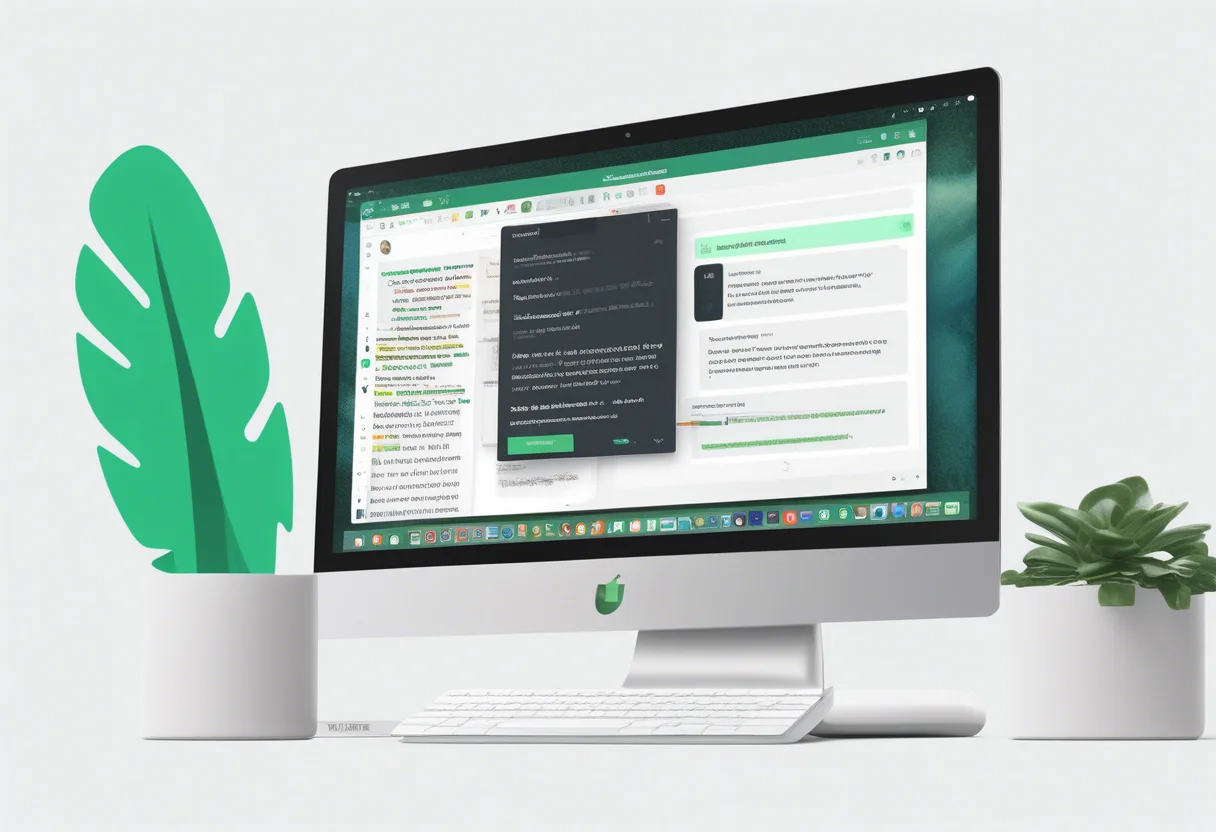
Grammarly integrates seamlessly into your writing routine through browser extensions and desktop and mobile apps. The updated document interface supports rich text editing and block-based content structuring, with the AI assistant conveniently available in a sidebar for easy access to suggestions and summaries.
Benefits of Grammarly's Ease of Use:
- Personalized Tips: The AI learns your writing style over time.
- Task-Specific Agents: Simplify the writing process by reducing the need for additional tools.
- Tone Adjustment Tools: Easily modify the tone of emails and documents.
Cost-Effectiveness of Grammarly
Grammarly offers both free and premium plans. The free version covers basic grammar and spelling checks, perfect for writers on a budget. The premium plan unlocks advanced features such as tone adjustment and plagiarism detection, along with access to specialized AI agents.
Cost-Effectiveness Highlights:
- All-in-One Platform: Eliminate the need for multiple software solutions.
- Productivity Boost: Automate complex tasks and receive real-time assistance.
- Savings for Students and Professionals: Avoid the cost of multiple specialized tools.
Comprehensive Customer Support
Grammarly provides robust customer support with resources like a help center, FAQs, and tutorials to maximize the use of its AI features. The company continually updates its AI models and interface based on user feedback, ensuring that they meet evolving user needs.
Customer Support Features:
- Detailed Guides: Access comprehensive guides and AI-powered writing tips.
- Regular Updates: Stay informed about new tools and enhancements.
- User-Friendly Evolution: Experience a platform that adapts to user requirements.
With this support setup, users can quickly resolve issues and continue to benefit from Grammarly's powerful writing assistance.

Otter.ai: Leading AI-Powered Communication Tool
Key Functionalities of Otter.ai
Otter.ai is a smart AI communication tool that excels at converting spoken words into text during meetings, lectures, and interviews. This tool is invaluable for those who wish to keep track of discussions and maintain accurate records. It integrates seamlessly with major video platforms like Zoom, Microsoft Teams, and Google Meet, allowing the OtterPilot bot to automatically transcribe meetings, eliminating the need for manual note-taking.
Key functionalities of Otter.ai include:
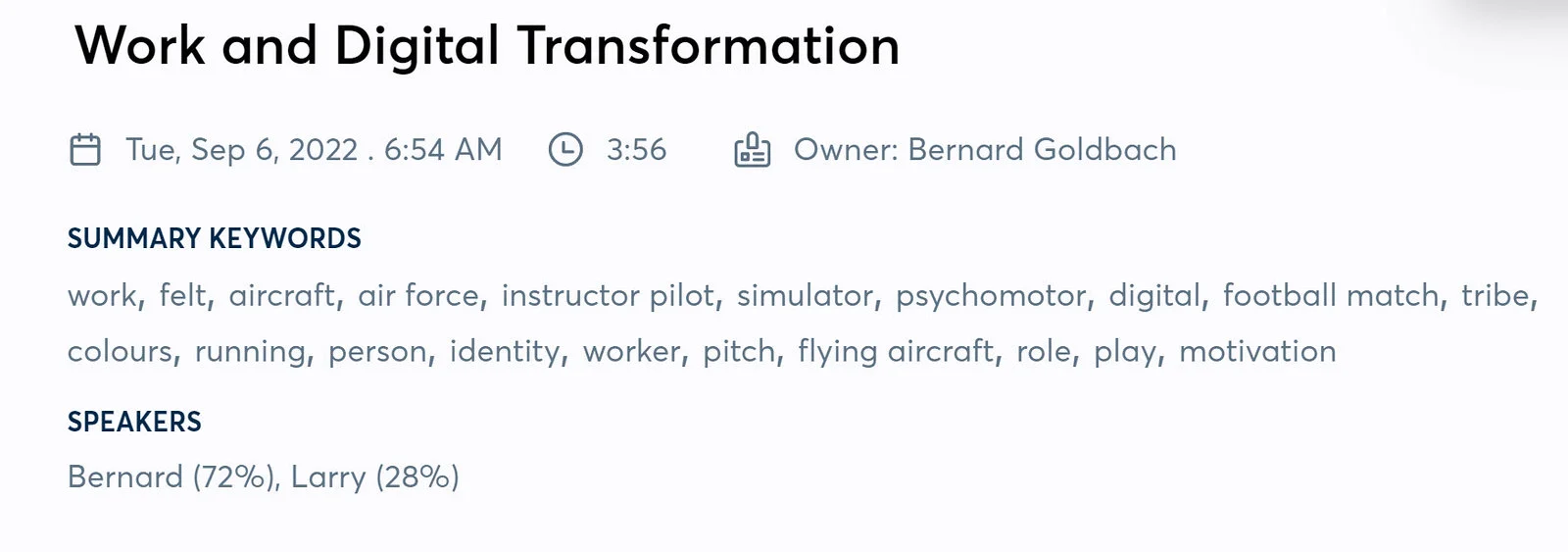
- Speaker Identification: It recognizes and labels speakers in the transcript, making it easy to identify who said what during group discussions.
- Natural Language Processing: Otter.ai generates meeting summaries, highlighting key points, decisions, and action items.
- Collaboration and Organization: Users can edit, share, and collaborate on transcripts, tag speakers, and organize conversations into folders or channels.
- File Uploads: The tool supports uploading audio and video files for automatic transcription, extending its utility beyond live meetings.
User-Friendly Interface and Ease of Use
Otter.ai is praised for its user-friendly interface, catering to both tech-savvy users and those less familiar with digital tools. Users can view live transcripts during conversations, enabling immediate engagement and review of discussion points.
- Integration with Conferencing Apps: Its integration with popular conferencing apps allows it to automatically join and record meetings, streamlining workflows.
- Collaboration Features: Shared transcripts, editable notes, and comment features facilitate team interaction.
- Organization Tools: Users can organize chats into folders and channels, and tag speakers for easier navigation.
- Real-time Collaboration: Otter Chat enables users to ask questions and collaborate in real-time without interrupting the meeting flow.
Cost-Effective Pricing Plans
Otter.ai provides flexible pricing plans suitable for individuals, small teams, and enterprises, making it a budget-friendly option.
- Basic Plans: Include unlimited meetings and monthly transcription minutes, offering great value.
- Advanced Plans for Enterprises: Higher-tier plans offer enhanced workspace and admin features, collaborative note editing, and increased transcription capacities, allowing organizations to scale as needed.

Comprehensive Customer Support
Otter.ai is committed to delivering excellent customer support to ensure a smooth user experience.
- Extensive Help Center Resources: A comprehensive Help Center filled with articles assists users in maximizing the tool's potential.
- Personalized Sales Support: Sales teams are available to discuss advanced features and enterprise solutions, offering tailored support for larger clients.
- Active Community Forum: An active community forum allows users to share tips, ask questions, and connect with fellow Otter.ai enthusiasts, fostering a supportive environment for continuous improvement.
FAQ
How Does Otter.ai Enhance Communication Compared to Other Tools?
Otter.ai stands out as a top choice for businesses in 2025. It offers real-time transcription and meeting summaries that make communication smoother. This tool is great at catching important details in calls and meetings, boosting productivity, and cutting down on the need for manual notes.

Unlike other transcription tools, Otter.ai fits right into AI communication platforms, making it easy to capture meetings and collaborate. It automatically transcribes meetings and creates summaries, letting teams focus on talking rather than writing notes. This is a big plus over simpler tools.
Additionally, it works well with platforms like Zoom, offering real-time transcription and note collaboration. You can find more details here.
What Are the Key Benefits of ChatGPT for AI Communication?
ChatGPT for Business is a top-notch AI tool for managing customer conversations. It provides instant, smart replies and handles routine tasks, speeding up response times and boosting customer satisfaction.
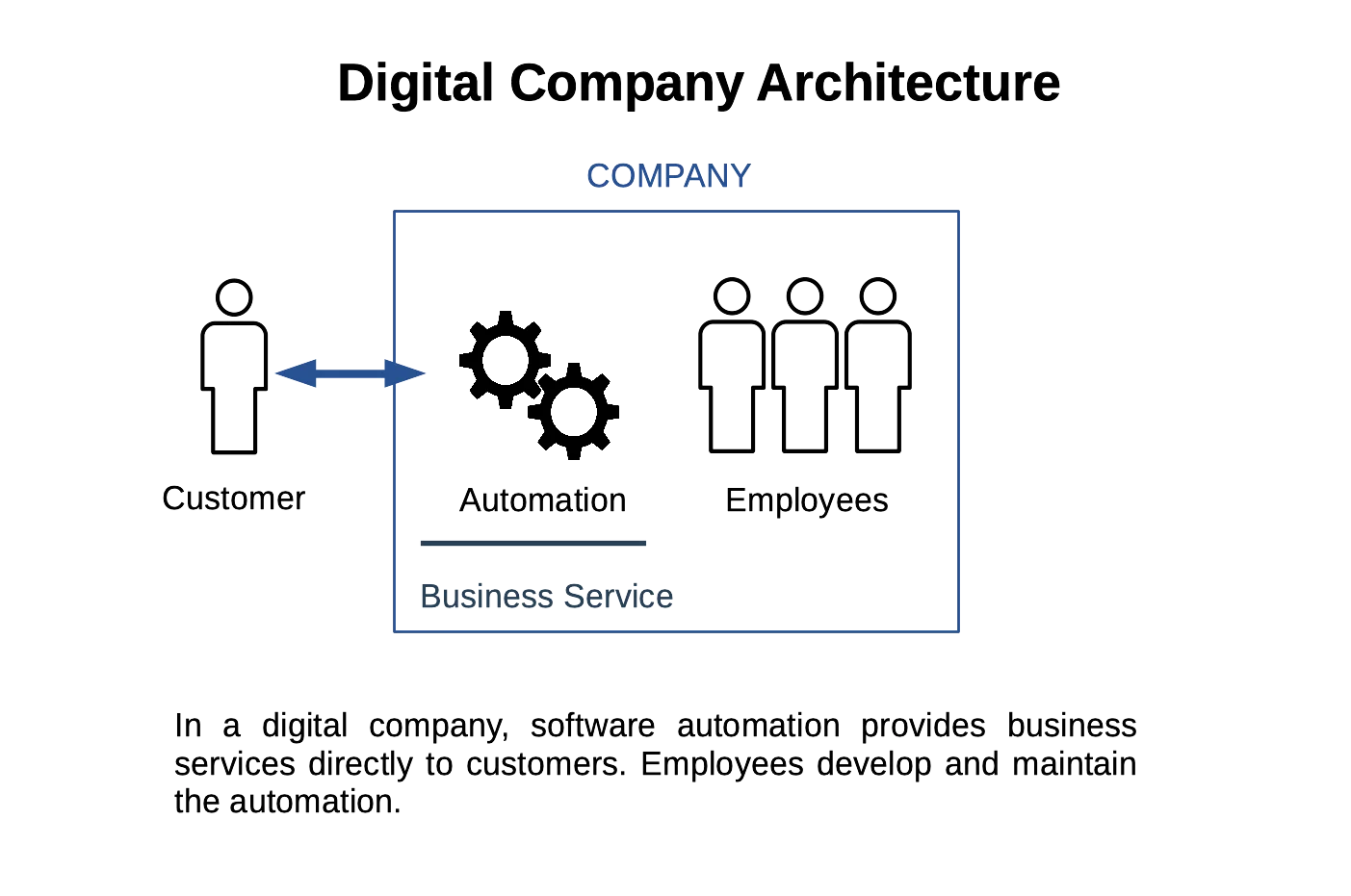
ChatGPT-powered assistants manage quick questions, gather info, and maintain the conversation without human intervention. This makes communication more personal and effective by tailoring responses based on user data and past chats.
Businesses use ChatGPT to automate common questions, freeing up human agents for complex issues and ensuring all messages get a response. This flexibility makes ChatGPT a great tool for businesses looking to improve customer service. For more information, visit this link.
How Does Grammarly Improve Writing Clarity in Business Communication?
Grammarly Business uses AI to enhance writing clarity by identifying grammar, punctuation, style, and tone issues. It helps users write more clearly and professionally. Its suggestions not only fix mistakes but also make text more readable and engaging, making it a handy tool for business communication.
By integrating with different platforms, Grammarly ensures users maintain clear and consistent communication across emails, documents, and other content. This reduces misunderstandings and boosts message effectiveness.
Marketing teams can use Grammarly Business to ensure their emails and proposals are error-free and hit the right tone, improving client relations and internal clarity. Learn more about its features here.
| Pricing Plan | Monthly Cost | Video Creation Time | Features |
|---|---|---|---|
| Starter Plan | $30/month | 10 minutes | Basic features |
| Pro Plan | $79/month | 90 minutes | Advanced features |