
Public speaking can really make a difference in your career, but it often makes even the pros nervous. About 75% of people feel some anxiety about speaking in public. But don't worry! These days, you don't have to tackle this fear by yourself. You can practice public speaking online with some pretty cool platforms that help boost your confidence and sharpen your skills. From AI-powered speech coaching to personalized feedback and interactive sessions, these tools are changing how we think about public speaking. Whether you're gearing up for a big presentation, a job interview, or just want to speak with ease, there's a tool out there for you. Let's check out some of the best platforms that can turn your public speaking from shaky to solid!
Deepbrain AI: AI Studios
AI-Powered Video Creation Features
DeepBrain AI Studios is a versatile platform that revolutionizes video creation with AI. It transforms simple text scripts into professional videos featuring lifelike AI avatars. Here's what you can do with it:
- Text-to-Video Conversion: Easily create videos from text scripts.
- Voice Cloning: Generate realistic voiceovers.
- Multilingual Support: Handle over 80 languages, enabling multilingual dubbing and automatic translation.
- Content Creation Tools: Write scripts, generate images, and record screens.
- Custom AI Avatars: Personalize your videos by uploading photos or using webcam recordings.

The user-friendly online editor provides templates, backgrounds, text animations, automatic subtitles, and royalty-free music—all without requiring complex software. Collaboration is seamless with real-time team features, making group video production smooth and efficient.
For instance, a marketing team can utilize DeepBrain AI Studios to produce multilingual promotional videos with realistic AI avatars speaking different languages, eliminating the need for a traditional studio setup.
User-Friendly Video Creation
DeepBrain AI Studios is designed for simplicity, catering even to those without technical expertise. Creating a video is as straightforward as typing a script and clicking a few buttons—no complex software or expensive equipment required. The online editor enhances this ease with:
- Customizable Templates: Tailor your video’s look with ease.
- Drag-and-Drop Features: Simplifies the editing process.
- Automatic Editing Tools: Includes trimming and transitions to streamline production.
This reduces production time and complexity, allowing you to quickly craft videos with realistic AI avatars and voiceovers. Team collaboration is facilitated through synchronized workspaces and project sharing links, ensuring a smooth workflow free of technical hurdles.
Consider an educator with no video editing background who can create engaging training videos using DeepBrain AI Studios’ templates and AI avatars in minutes, thereby enhancing the learning experience for students.
Affordable Video Production Solutions
DeepBrain AI Studios offers a budget-friendly approach to video production, eliminating the need for costly setups, actors, studios, and equipment. Key points include:
- AI Avatars and Voiceovers: Make video creation affordable.
- Flexible Pricing: A free tier for basic use, with paid plans ranging from $15 to $30 a month for additional features and longer videos.
This flexibility allows you to produce one video or hundreds without a significant cost increase. By bypassing traditional video resources, it's an ideal solution for businesses and educators on a budget.
For example, a small business can use DeepBrain AI’s starter plan at $30 a month to create professional marketing videos without hiring actors or renting studios, thereby keeping costs low while achieving high-quality results.
Collaborative Support and Integration
DeepBrain AI facilitates user collaboration with features like collaborative workspaces and real-time project syncing, ensuring smooth teamwork. While the platform's straightforward tools and templates minimize the need for technical support, the design focuses on ease of use and automation, reducing the necessity for extensive support channels.
Teams working on video projects benefit from DeepBrain AI’s collaborative features, ensuring smooth communication and project management without constant technical assistance. The platform’s approach to customer support underscores its commitment to a hassle-free user experience, allowing users to focus on content creation rather than technical troubleshooting.
In summary, DeepBrain AI Studios is a versatile and user-friendly platform that simplifies video creation with its AI features. It's a cost-effective alternative to traditional methods, accessible to a wide range of users from educators to marketing professionals. The focus on collaboration and ease of use ensures that users can produce high-quality content without needing extensive technical knowledge or resources. For those looking to practice public speaking online or create engaging video content, DeepBrain AI Studios offers a comprehensive and innovative solution.
DeepBrain AI Studios AI-powered video creation photorealistic AI avatars cost-effective solution
Preply: Tailored Online Public Speaking Coaching
Key Features of Preply's Public Speaking Platform
Preply is a solid choice for enhancing your public speaking skills. It offers online classes with seasoned tutors and coaches who can assist with:
- Delivery and body language
- Tone and persuasive techniques
You can focus on your specific needs, whether it's boosting confidence or organizing content. With classes available in 50 languages, it's ideal for multilingual learners aiming to practice in various languages.
The platform's interactive, one-on-one video sessions provide real-time feedback. This setup is perfect for practicing speech delivery and audience engagement—even online. Plus, Preply's flexible scheduling allows you to fit sessions into your timetable, no matter your location.
User-Friendly Interface for Seamless Learning
Navigating Preply is straightforward due to its user-friendly design. All lessons are accessible online, anytime, anywhere. Finding the right tutor is simple:
- Filter by expertise, availability, and price
- Try a lesson before committing to ensure a good fit
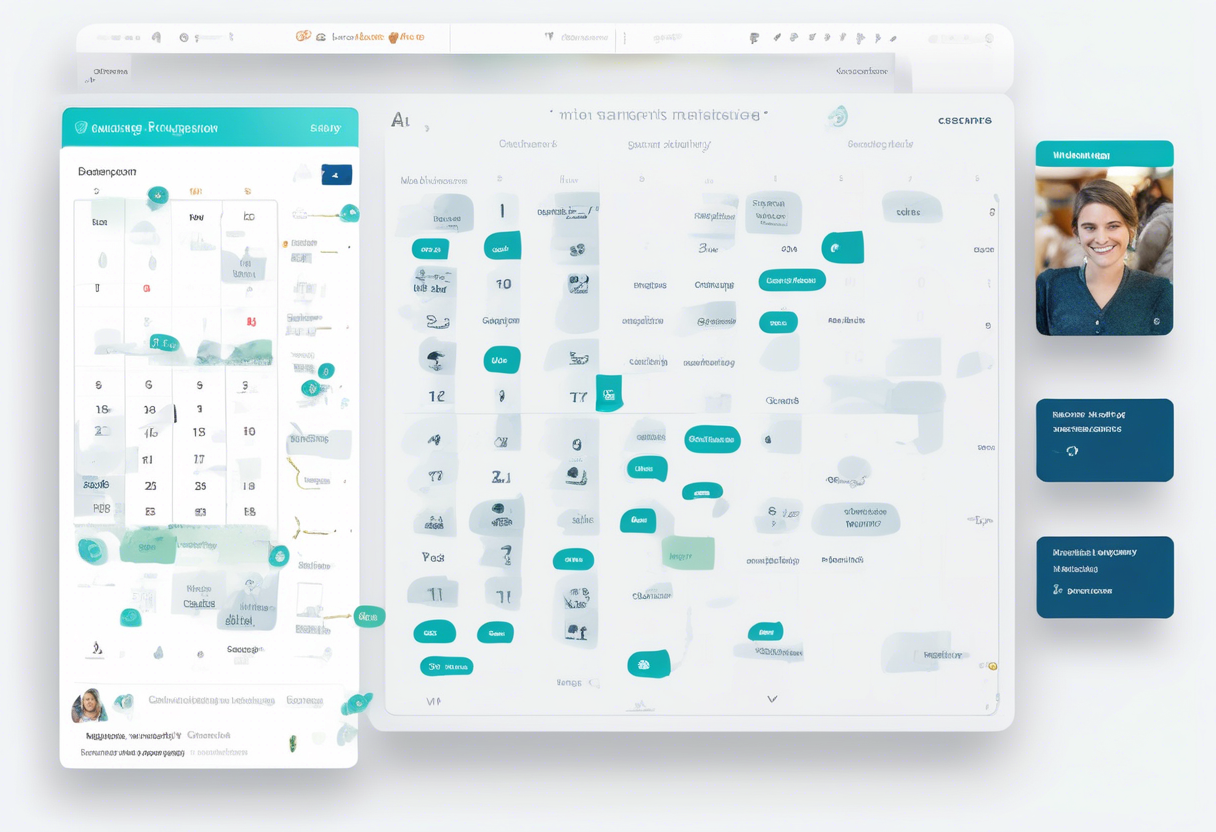
Getting started is easy with a step-by-step guide. Once you're in, browse tutors' profiles, which include qualifications and past student reviews. Booking a session is seamless with a calendar view to select suitable time slots. Multiple payment methods ensure smooth transactions, regardless of your location.
Affordable Options for Public Speaking Practice
Preply isn't free, but it's flexible. You can pay as you go, selecting sessions or packages that fit your budget. No need for long-term contracts or hefty upfront fees. If unsatisfied with a tutor, you can switch at no cost, ensuring a match with your learning style and goals.
The platform offers a wide range of tutors, allowing you to find coaching at various price points. Tutors set their own rates based on experience, making quality public speaking coaching accessible to everyone.
Dedicated Customer Support for Online Learners
Preply is committed to a smooth and satisfying user experience. They offer a help center with articles and FAQs for common questions. For additional assistance, their customer service team is available via email and live chat, ready to help with:
- Tech issues
- Billing
- Tutor selection
Feedback is crucial to Preply, driving continuous improvement. Tutors provide welcome videos and bios, giving you a sense of their style before booking. This dedication to support highlights Preply’s commitment to user satisfaction and ongoing enhancement.

In offering personalized public speaking coaching, Preply helps you tackle public speaking anxiety and develop a confident, authentic presence. With flexible scheduling, customizable lessons, and a variety of tutors, Preply is a valuable resource for anyone looking to enhance their public speaking skills.
Orai: AI Speech Coaching for Online Public Speaking Practice
AI-Driven Speech Coaching Features
Orai is a smart speech coaching app designed to enhance your public speaking skills. Leveraging AI, it provides immediate feedback on factors such as clarity, speed, filler words, energy, and voice changes. This AI-driven analysis helps you sound more polished and confident, akin to having a mentor in your pocket.
- Recording & Insights: Record your speeches and receive detailed insights and tips for improvement.
- Practice Topics: Engage with practice topics or bring in your own scripts to focus on what matters most.
- Progress Tracking: Track your progress with stats that highlight improvements and areas needing work.

Imagine a sales professional using Orai to refine their pitch. They can record themselves, receive feedback on filler words and pacing, and follow drills to enhance their skills before meeting a client.
User-Friendly Speech Practice Interface
Orai is designed for simplicity and accessibility, available on both iOS and Android platforms, enabling practice at any time.
- User-Friendly Design: The app's straightforward design ensures ease of use, from setup to recording and analysis.
- Engaging Lessons: Fun lessons and short coaching sessions make practice quick and engaging.
- Visual Feedback: Visual aids like graphs provide a clear view of performance and areas for improvement.
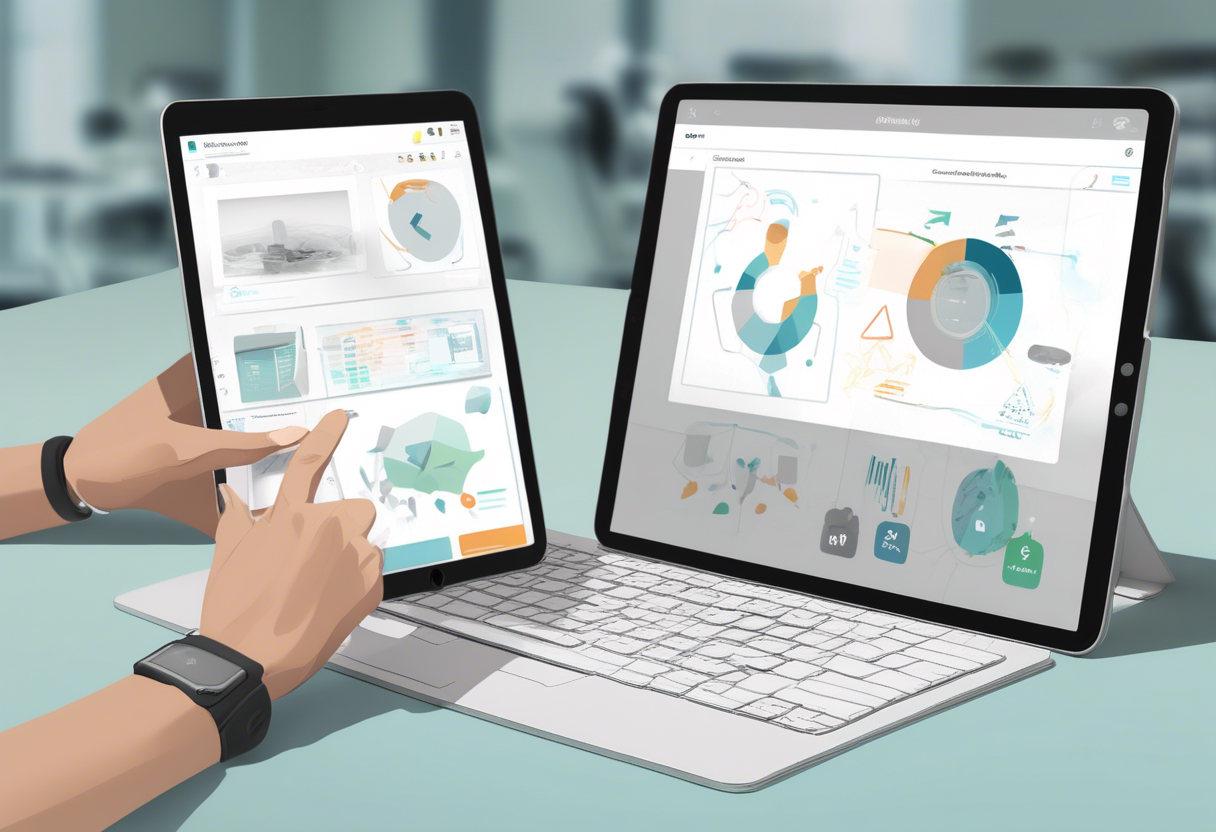
Think of a student using Orai daily for a few minutes to prepare for a debate, focusing on reducing filler words and improving tone, thanks to the app's intuitive interface and instant feedback.
Affordable Public Speaking Practice Solutions
Orai offers a free version with basic features, providing an affordable way to practice public speaking without hiring a coach.
- AI Feedback: Benefit from AI-driven feedback and exercises, saving on costly in-person coaching.
- Premium Plans: For advanced features, premium plans offer full access to detailed analytics and personalized coaching at a competitive price.
A small business owner might utilize both free and premium features to prepare for presentations, saving on coaching fees while still receiving valuable feedback.
Comprehensive Customer Support for Public Speaking Practice
Orai keeps users updated with the latest AI features through regular updates and in-app support.
- Virtual Mentor: While it doesn’t provide direct human coaching, the AI acts as a virtual mentor, guiding with exercises and feedback.
- User Feedback: Orai values user feedback, encouraging users to share experiences and suggest improvements.
Overall, Orai is praised for its versatility and effectiveness in speech analysis and improvement. Users appreciate its ability to measure various speech aspects, offering comprehensive feedback and exercises for ongoing learning. It's noted for being easy to use, allowing you to work at your own pace. However, some users mention it can be pricier than other apps. Orai's customization options enable you to create personalized practice sessions, making it especially helpful for building confidence before presentations.
For more insights, check out Orai Reviews.
Frequently Asked Questions about Practicing Public Speaking Online
Top Virtual Platforms for Public Speaking Practice
There are plenty of platforms available to help you practice public speaking online. One such platform is Preply. It offers personalized lessons to boost your speaking skills. You can connect with tutors who provide custom lessons and feedback, making it a great choice if you want one-on-one guidance.
Another option is VirtualSpeech, which is quite innovative as it mixes interactive exercises with AI feedback. With over 55 exercises, you can practice in real-life-like scenarios and receive instant feedback to help you improve faster.
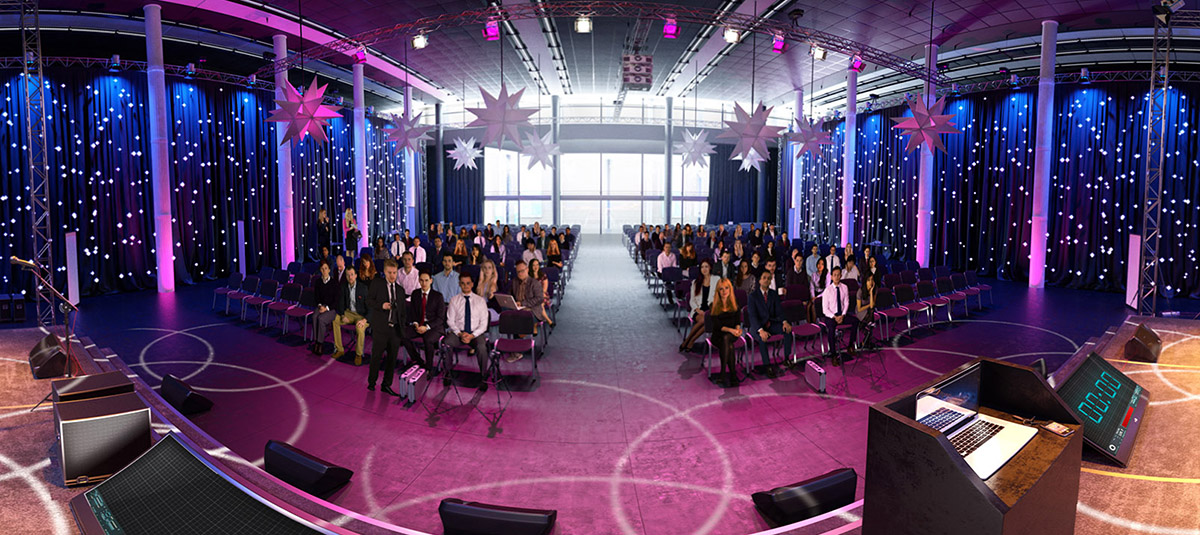
Don't overlook online communities, such as forums and social media. They’re great places to practice too. You can interact with peers, receive real-time feedback, and support each other, creating a friendly learning environment.
Comparing AI Tools: Orai vs. VirtualOrator for Public Speaking
When it comes to AI tools like Orai and VirtualOrator, each has its own strengths. Orai is an app that provides interactive lessons and detailed speech analysis. It helps you work on aspects like filler words, pacing, and clarity, offering instant feedback tailored to your skill level.
In contrast, VirtualOrator is a virtual reality tool that allows you to practice speaking in front of a simulated audience. You can adjust the venue size and audience behavior to suit your training needs. It uses AI to mimic real audience reactions, which is excellent for preparing for real-world scenarios.
Additionally, VirtualSpeech utilizes AI feedback and offers tools for immersive roleplays and presentations, helping you practice with realistic audiences and settings.
Free Resources for Online Public Speaking Practice
Absolutely, there are numerous free resources to help you enhance your public speaking skills. The Rochester Institute of Technology offers free courses on edX, providing quality education at no cost. The University of Waterloo also provides free lectures and reading material in its "Mastering Public Speaking" course.
Another option is Speaking Club, which lets you practice speaking English and other languages through real-time conversations with people worldwide. They offer free trial meetings and weekly sessions, which are great for active practice.
You might also want to explore Episoden. It’s a free platform where you can practice English conversation in a friendly environment with international users, helping you build confidence and communication skills.
Other platforms like TED Talks, Quora, YouTube, and Toastmasters offer free resources too. They’re perfect for learning storytelling, impromptu speaking, and delivering speeches to diverse audiences, often with community support. All these resources provide ample opportunities to improve your speaking skills without spending a dime.
| Feature/Aspect | DeepBrain AI Studios | Preply | Orai |
|---|---|---|---|
| Core Functionality | AI-powered video creation | Online public speaking coaching | AI-driven speech coaching |
| Key Features | Text-to-video, voice cloning, multilingual | Real-time feedback, flexible scheduling | AI feedback on clarity, speed, filler words |
| User Interface | User-friendly, drag-and-drop, templates | Easy navigation, tutor profiles, calendar | Simple design, visual feedback, engaging lessons |
| Pricing | Free tier, $15-$30/month for advanced features | Pay-as-you-go, no long-term contracts | Free version, premium plans for advanced features |
| Collaboration/Support | Real-time team collaboration | Email/live chat support, help center | In-app support, user feedback encouraged |
| Ideal For | Marketing teams, educators, small businesses | Multilingual learners, anyone improving public speaking | Students, professionals, small business owners |
| Platforms | Online editor | Online platform | iOS and Android |